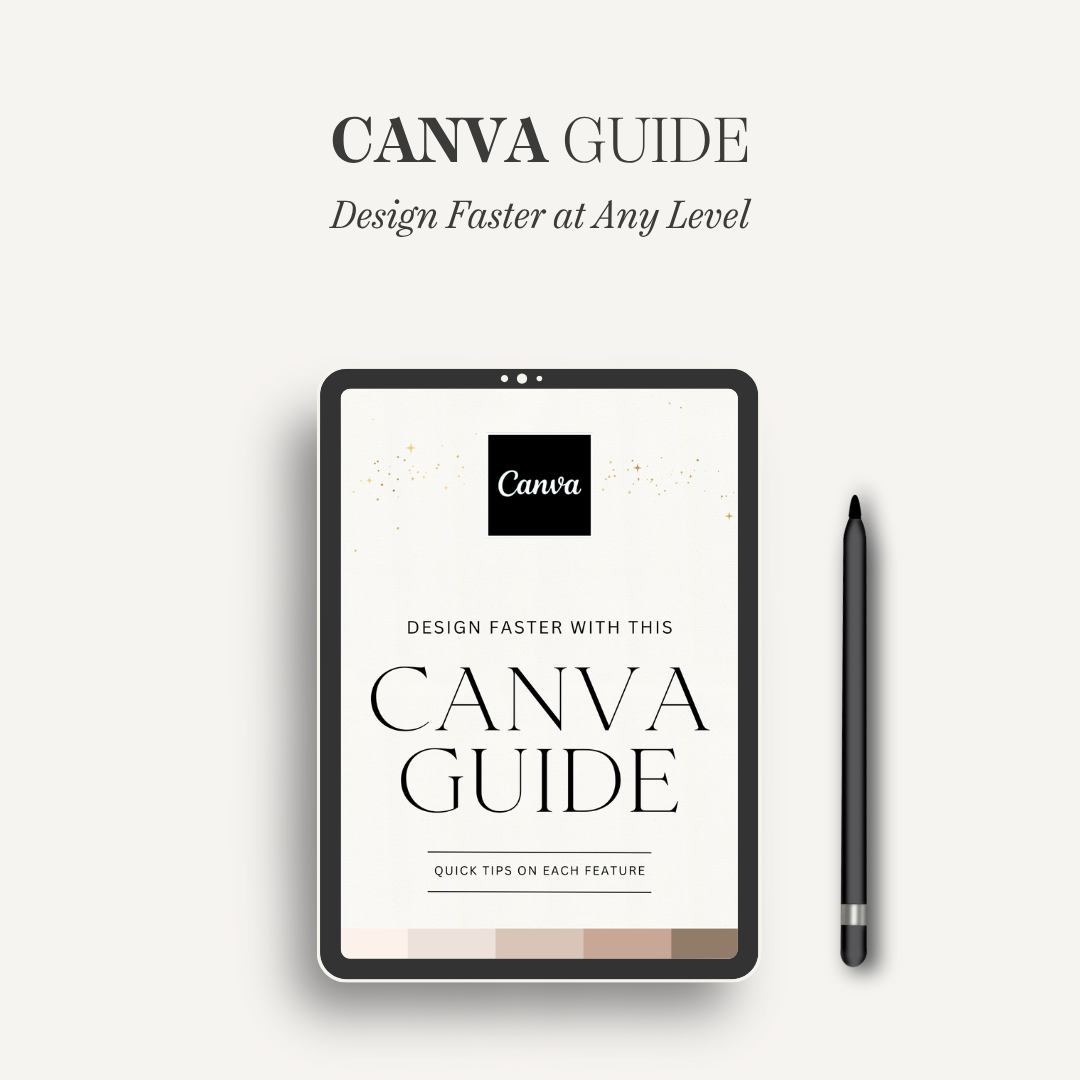
Canva Guide for Beginners & Pros: Learn Design Tips, Tricks & Toolbar Shortcuts
Canva Guide for Beginners & Pros: Learn Design Tips, Tricks & Toolbar Shortcuts
Couldn't load pickup availability
What’s Inside: This comprehensive resource is broken down into three main chapters: The Toolbars, The Basics, and Tips & Tricks. It covers everything from understanding toolbar types to mastering complex features like Magic Studio and AI generation. Why You’ll Love It: Stop wasting time clicking around. This guide helps you design effortlessly and learn hidden features, allowing you to crank out gorgeous content faster. It’s the ultimate way to upgrade your design workflow and start designing like a pro, regardless of your experience level. How to Use It: Use this guide as a quick reference while you work in Canva. Whenever you get stuck or want to find a faster way to complete a task, consult the relevant section to find quick tips on each feature. Where to Use It: This digital guide is perfect for any project, whether you are creating social media graphics, professional presentations, or marketing collateral. What’s Included:
- Toolbar deep dives: Text, Shape, Element/Graphic, Photo, and Editor toolbars.
- Essential Techniques: Working with text, colors, photos, and "Tidy Up" functions.
- Advanced Features: Magic Studio, AI generator, and sample AI prompts.
- Efficiency Boosters: Canva keyboard shortcuts (including Mac) and text-behind-image tips.