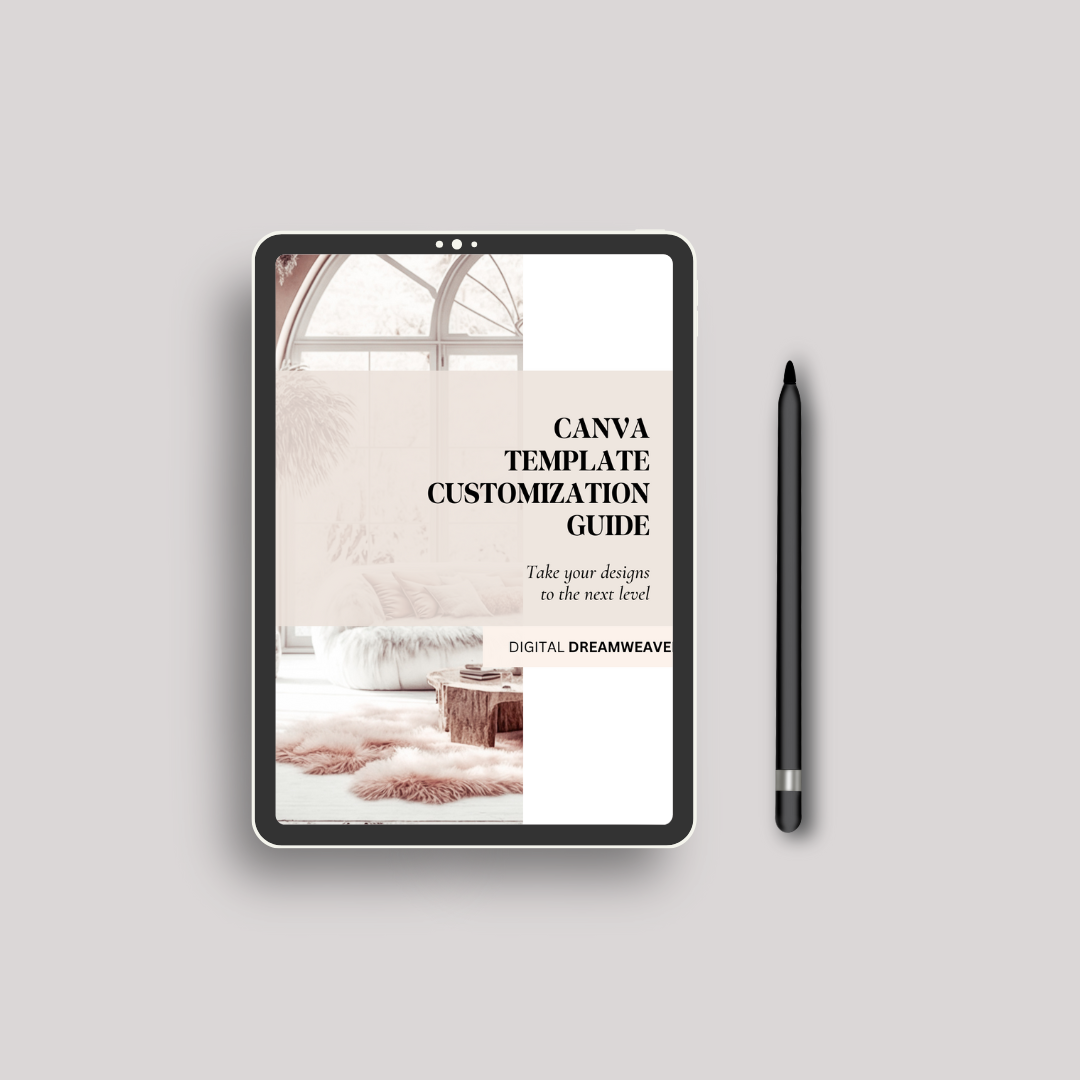
Canva Template Customization Guide eBook | Master Canva Like a Pro (Without Being One)
Canva Template Customization Guide eBook | Master Canva Like a Pro (Without Being One)
Couldn't load pickup availability
Make your templates look custom… not copy-paste.
This guide shows you exactly how to transform any Canva template—yours or purchased—into something that looks branded, intentional, and elevated.
Perfect for beginners, creators, Etsy sellers, and anyone who wants their designs to stop looking like “that one Canva font everyone uses.”
What You’ll Learn
• Branding basics for non-designers
Fonts, colors, hierarchy, spacing, and layout—broken down simply.
• How to turn any template into YOUR brand
Swap colors, elevate typography, upgrade graphics, and refine the whole vibe.
• How to avoid the “Etsy clone” look
Because we’re not doing 10,000 sellers all using Raleway Light with beige backgrounds.
• Visual identity secrets pros use
Consistency tricks, spacing rules, aesthetic choices, and how to build a signature style.
• Before & After transformations
Real examples showing EXACTLY how to glow-up a basic template.
What’s Inside
✔️ Visual step-by-step tutorials
✔️ Branding checklist
✔️ The “Font Pairing Starter Kit”
✔️ Color palette cheat sheets
✔️ Canva tips, shortcuts, and hidden tools
✔️ Export settings so your designs look crisp
✔️ Social media template customization tricks
✔️ Website template customization basics
Why You’ll Love It
Because Canva is powerful—when you know what you’re doing.
This guide turns “I bought a cute template” into
“I just built a whole brand identity.”
You’ll never buy a template again and think “Now what?”
Perfect For
• Etsy sellers
• Digital creators
• Small business owners
• Influencers & coaches
• Beginners who want polished graphics
• Anyone who wants their designs to look $$$
How to Use It
Use it every time you design:
open → tweak → brand → export → done.